
OPENING MONDAY, MAY 18!
Attention: Artists who want to make digital collage and mixed media on their iPad... and don't know where to start...
Go from confused & overwhelmed to making digital collages in just one week.
Turn "I don't even know which app to open" into confident, creative work on your iPad... without spending months trying to figure it out on your own.
Lifetime access | Money-back guarantee
DAS26 is now open for the early bird price of $57.
The price increases in:
You know how to work with your hands. But digital art feels like a different world..

You've seen what artists are doing with Procreate and maybe Adobe Fresco and you're curious. Maybe even a little envious. You just don't know how to get from where you are to where they are.
So you wait. Watch. Save posts for later. Tell yourself you'll try it when you have time to really figure it out.
But that time never quite arrives.
You want to...
✅ Bridge the gap between your analog work and digital tools
✅ Learn Procreate and Fresco from artists who actually use it
✅ Make digital collage without starting from zero
✅ Create on your iPad the way you create at your art table

You don't need to abandon what you already do.
You don't need to spend weeks watching beginner tutorials.
You need to see how analog artists make the leap to digital... and realize it's closer than you think.
The Digital Artists Summit is here to help!
DAS gives you something that's difficult to get on your own...
- - - - - - - - - -
You get to watch real digital artists' processes unfold!
At the Digital Artists Summit, seven artists build work from beginning to end and explain the decisions they are making along the way.
Inside the summit, you'll see:
🎨
How to start a piece on you iPad
Get past the blank canvas and into creating, even if you've never opened the app before.
💥
How artists make creative decisions in real time
Watch working digital artists think through their process, so you can start thinking like one too.
⚡️
How layering builds a digital collage
See how images, textures, and color come together layer by layer to create finished, cohesive, and bold work.
✨
How analog work becomes digital raw material
Learn how to bring your own scanned prints, collage scraps, and photos into your digital work and make them part of something new.
🌈
How to know when a piece is done
Develop the confidence to finish work you're proud of, without second-guessing every decision.
👥
A creative community
Connect with fellow artists, share what you're making, and get inspired by what others create.
Go from this:
❓ Opening Procreate or Fresco & not knowing where to start
❓ Watching tutorials but never actually making anything
❓ Feeling like digital art is not for you
❓ Letting your iPad sit unused because it feels too overwhelming
❓ Wondering if you're just missing something everyone else already knows
To this in just 7 days:
💡 Starting with clarity instead of hesitation
💡 Opening Procreate or Fresco and knowing exactly what to do
💡 Making digital collage that actually feels like your work
💡 Blending your analog practice with digital tools confidently
💡 Creating anywhere, anytime, without hauling out supplies
Digital Artists Summit 2026 is now open for the early bird price of $57.
Price increases in:
Lifetime access | Money-back guarantee
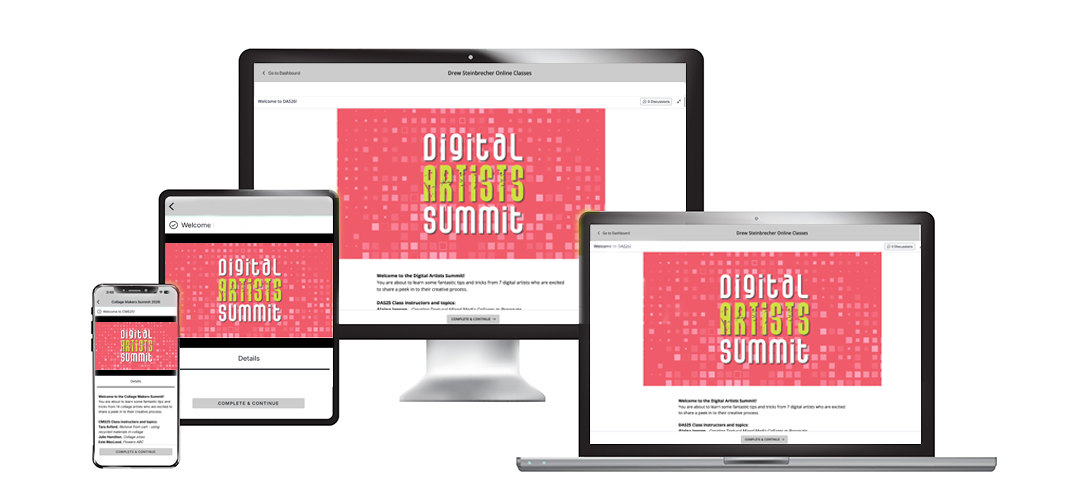
What's included at DAS...
- - - - - - - - - -
Everything you need to learn, experiment, and grow as an artist... all in one place.
☑️ 7 instructors & video lessons
Full-length, start-to-finish video lessons from 7 experienced artists.
VALUE: $329
☑️ 7 Start-to-Finish Demonstrations
Watch each artist begin, build, adjust, and resolve a real piece — not just talk about it.
VALUE: $197
☑️ Lifetime Access to All Lessons
Rewatch anytime. Revisit when you hit a new creative block. Learn at your own pace.
VALUE: $97
☑️ Community & support
Ask questions, share work, & get feedback in a focused environment without distractions.
VALUE: $97
☑️ Curated Artist Lineup
Each instructor is intentionally selected for their unique approach to composition and process... saving you years of random trial and error.
VALUE: $147
Total value $867.
Yours for only $57.
When you look at everything included, the decision becomes simple. If you’re ready for your work to feel clearer and more confident, enroll today.
The Digital Artists Summit is now open at the early bird price of $57.
Lifetime access | Money-back guarantee
The early bird price is available through Sunday, May 17.
The early bird price ends in:
We think DAS is pretty awesome.
- - - - - - - - - -
But you don't have to take my word for it.
Thousands of students have enrolled in DAS. Here's what a few of them have to say:


- WHAT STUDENTS ARE SAYING -
"I love Drew's summits. He gathers a wonderfully diverse group of artists who have the most innovative techniques to share. So much inspiration and you can rewatch them when you feel your mojo fading a bit."
Susan H.
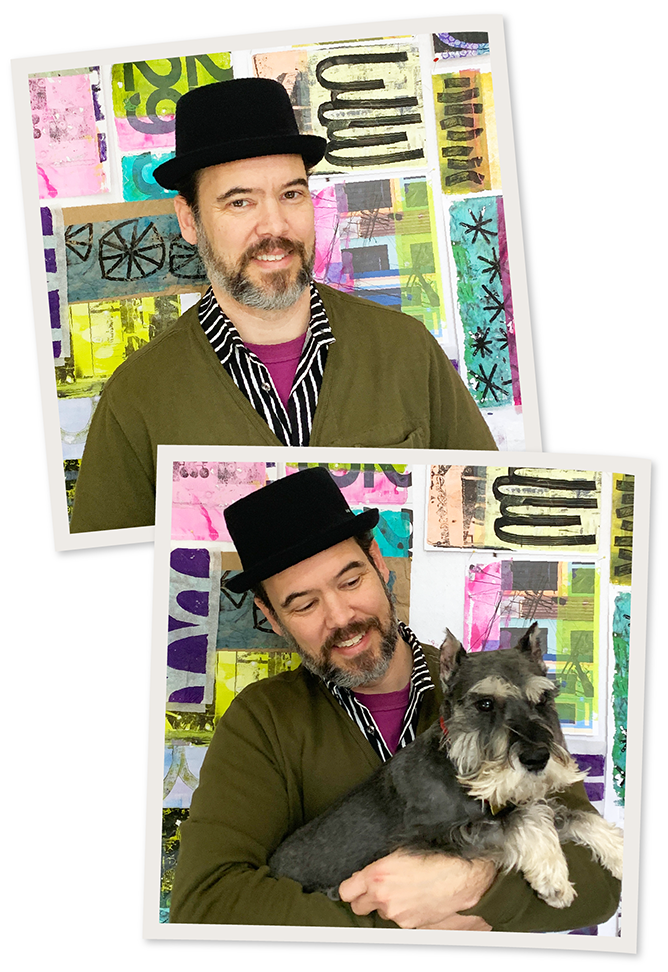
Hi there... I'm Drew.
I’m the creator and host of the Digital Artists Summit.
I know how easy it is to have an iPad and never quite get around to making art with it. The apps feel overwhelming. You're not sure where to start... So you don't.
That's why I created DAS. I wanted artists to be able to step inside other artists' digital processes, to see how they build a mixed media piece in Procreate or digital collage in Adobe Fresco from start to finish, because watching someone work changes everything.
I can’t wait to see you at the summit!
Meet this year's instructors...
- - - - - - - - - -
Get ready to learn from these top artists, ready to share their secrets and best techniques with you.
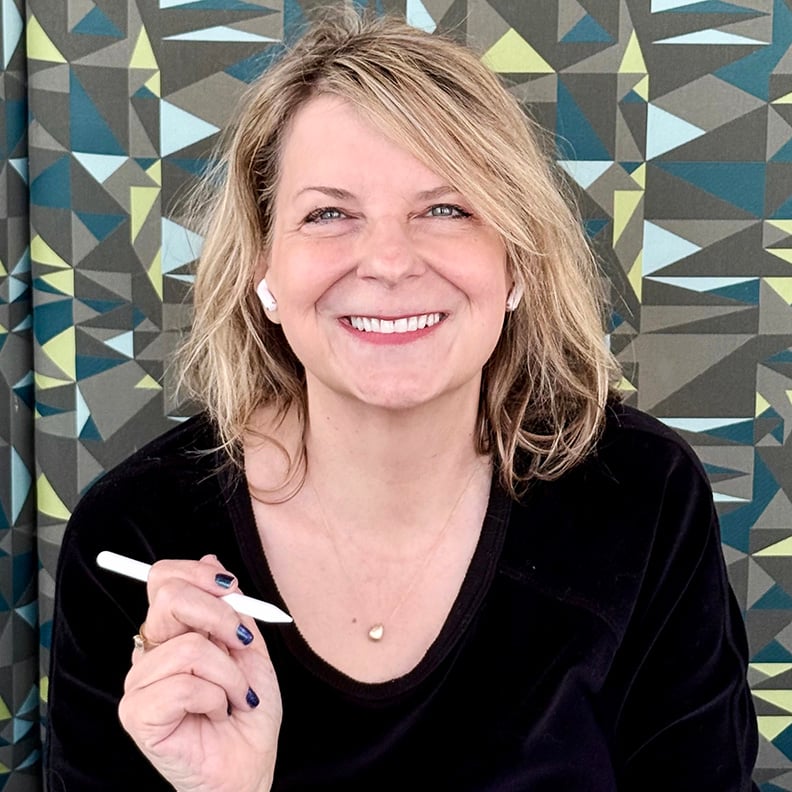
Kelley Bren Burke
Minnesota, United States
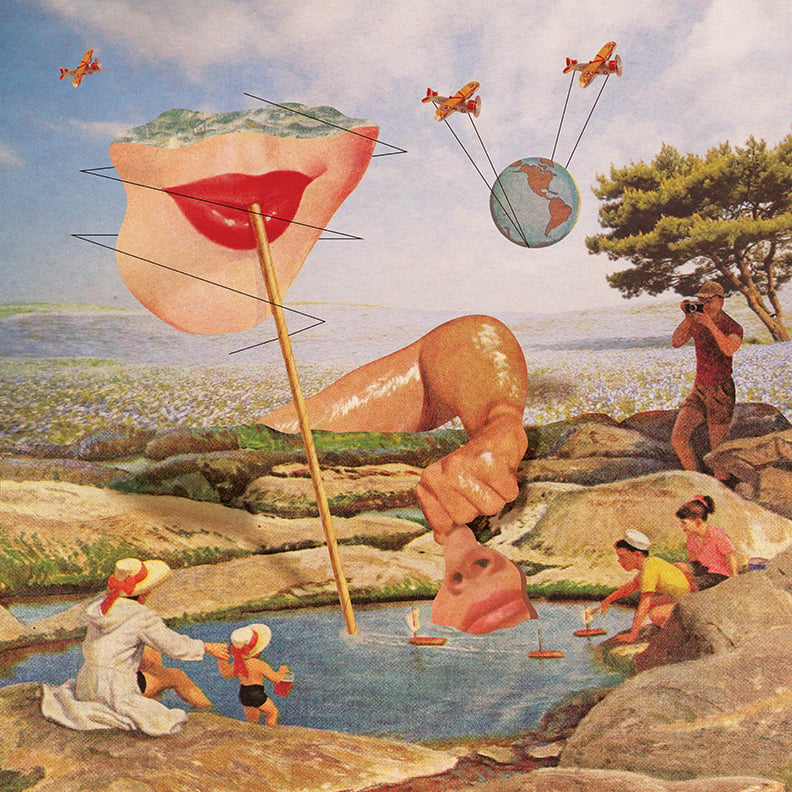
Kelley is a Procreate artist and collage educator who has taught over 8,000 students since 2020. She specializes in surreal digital collage and helps artists move past blank-page paralysis with simple, repeatable prompts that get them creating right away.
Kelley's DAS26 class: Create a Portal Collage in Procreate - Step Into Another World
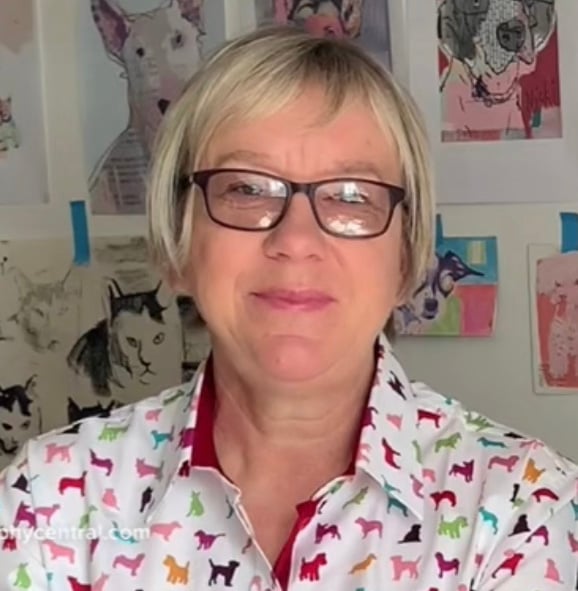
Nicki Fitz-Gerald
United Kingdom
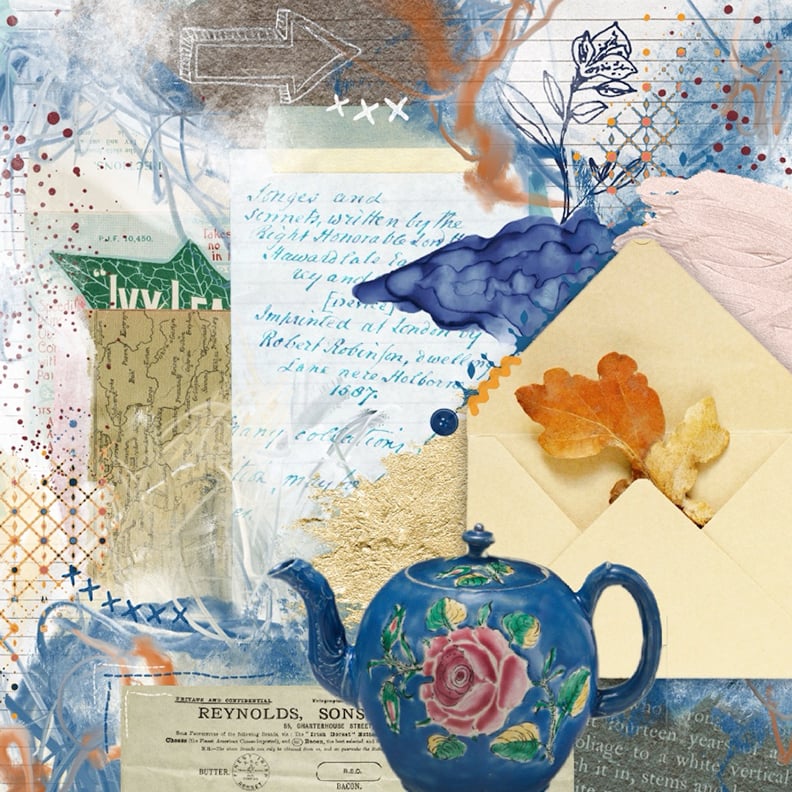
Nicki is an artist, author, and teacher who blends traditional and digital techniques to create rich, textured mixed-media work. She is the author of two books on digital art and Procreate, and has just launched her 10th online course for digital collage beginners.
Nicki's DAS26 class: Personal Postcard Collage
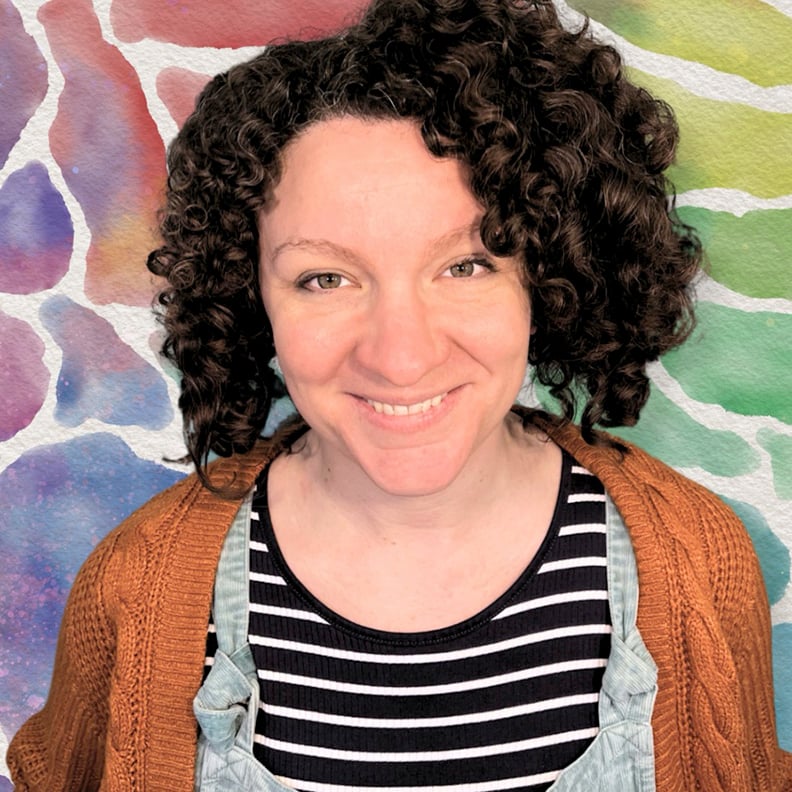
Alaina Jensen
United Kingdom
Alaina is a UK-based digital artist, Procreate brush creator, and educator who helps creative people let go of perfectionism and make art with confidence.
Alaina's DAS26 class: Start with the Background - A Digital Art Journaling Challenge
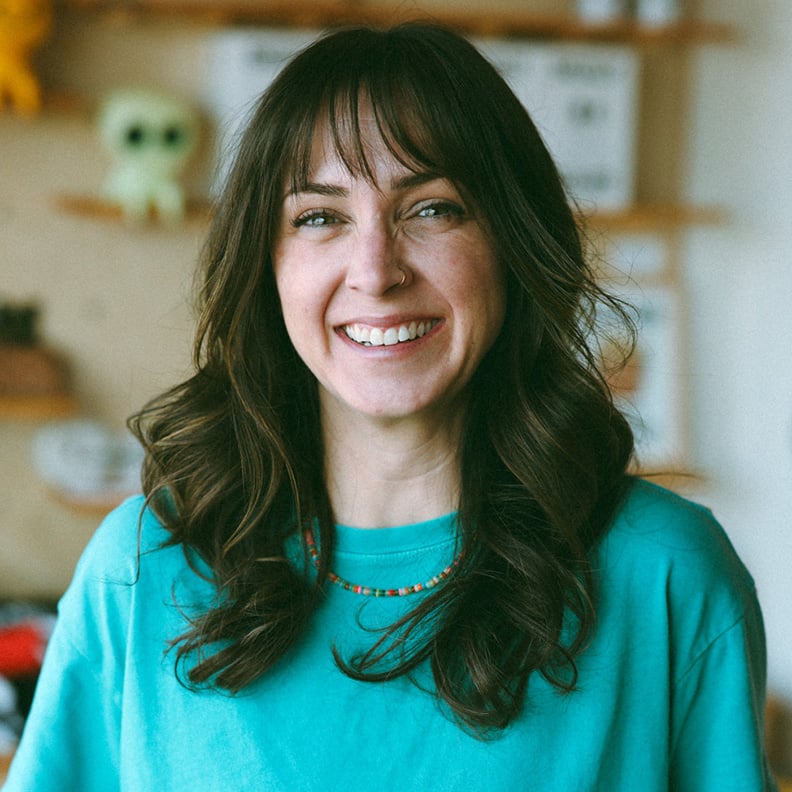
Julie Malizia
California, United States
Julie is a self-taught, multi-disciplinary artist based in California. She believes everyone is an artist and brings that spirit to everything she makes and teaches.
Julie's DAS26 class: How To Create a Pet Portrait Collage in Procreate
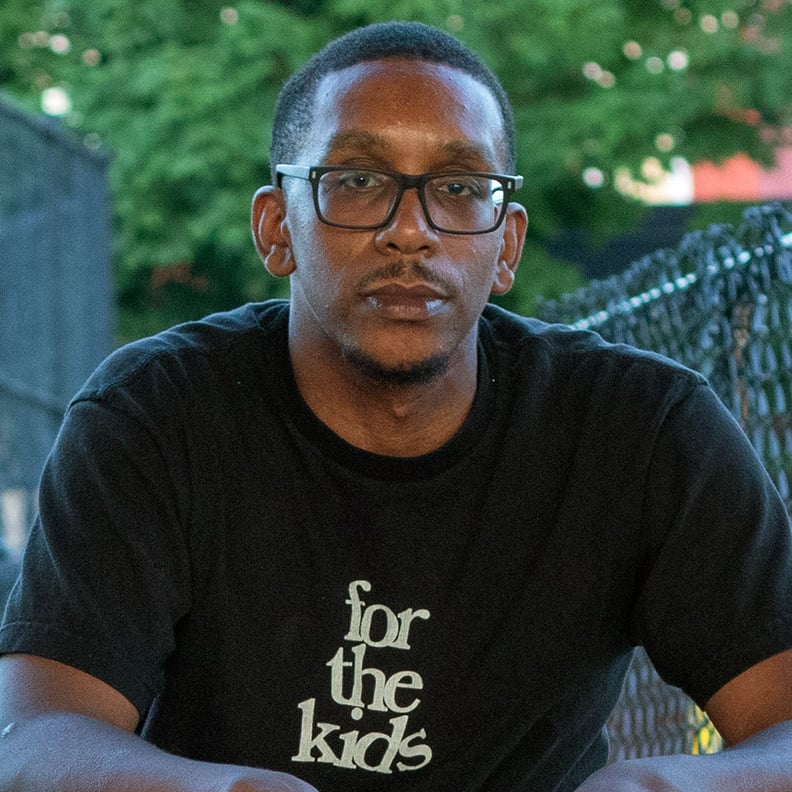
Darrin Milliner
Pennsylvania, United States
Darrin is a self-taught artist, designer, and archivist of printed materials based in Pittsburgh. He is the founder of Social Living, a lifestyle brand built around collecting and reimagining vintage books, magazines, and printed matter into new works of art.
Darrin's DAS26 class: Creating Seamless and Surrealistic Collages using compositing in Adobe Fresco
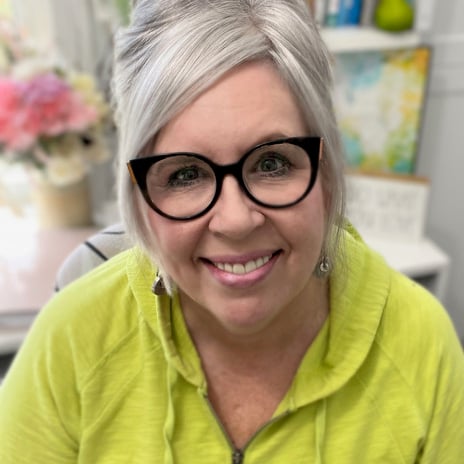
Delores Naskrent
Manitoba, Canada
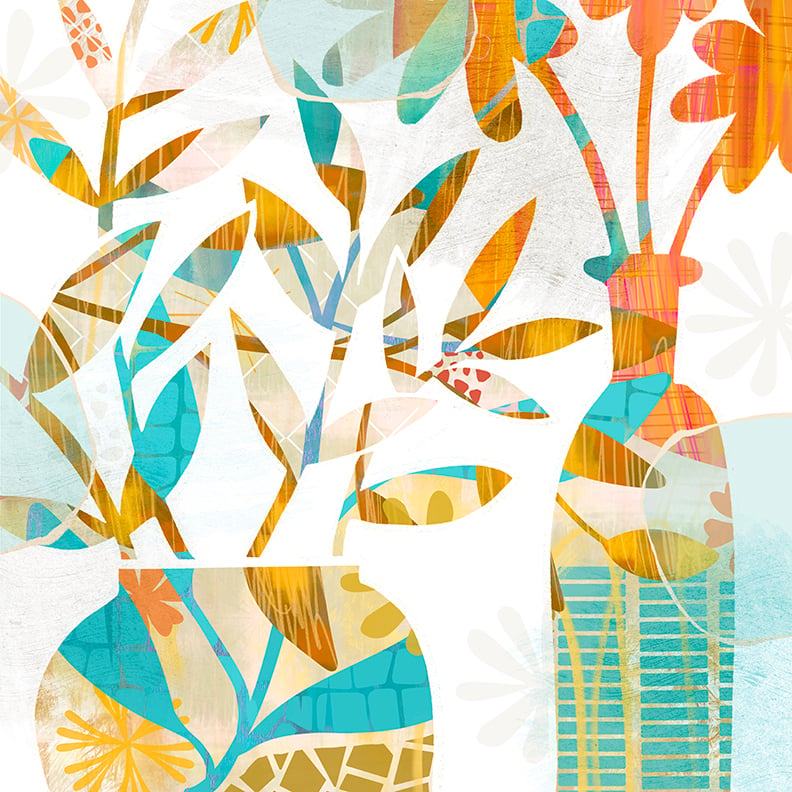
Delores is a Canadian illustrator, surface pattern designer, and educator with over 40 years of experience. She teaches approachable Procreate workflows that help artists finish work they're proud of.
Delores's DAS26 class: Creating Greeting Cards in Procreate

Drew Steinbrecher
Ohio, United States
Drew is a full-time artist based in Cincinnati who works in collage, printmaking, and digital mixed-media. He hosts online art summits that inspire and equip fellow artists to explore monoprinting, collage, and digital art.
Drew's DAS26 class: Turning Everyday Ephemera into Digital Collage Assets for Procreate & Adobe Fresco
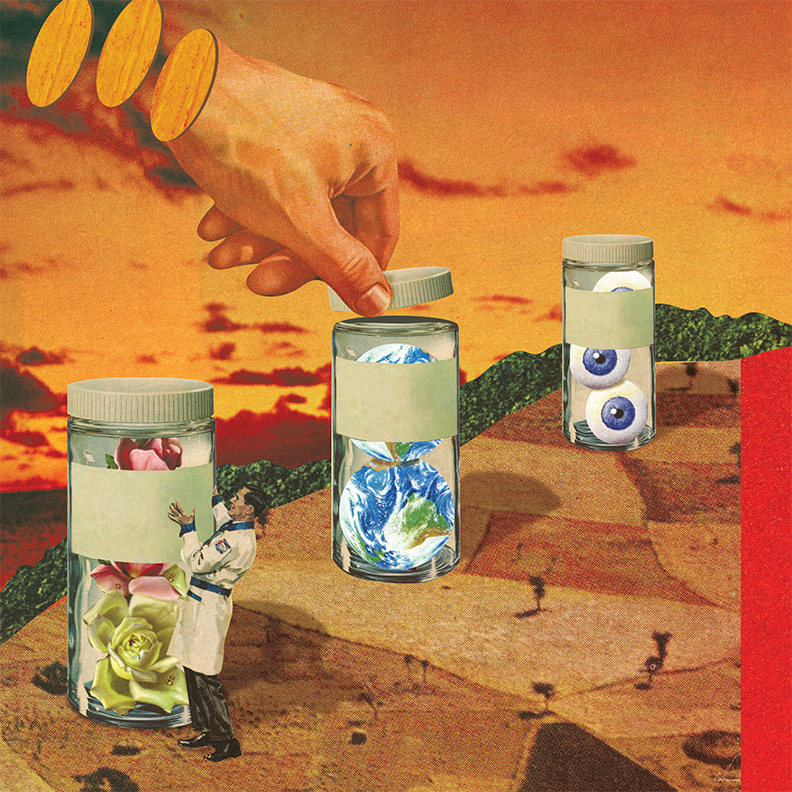
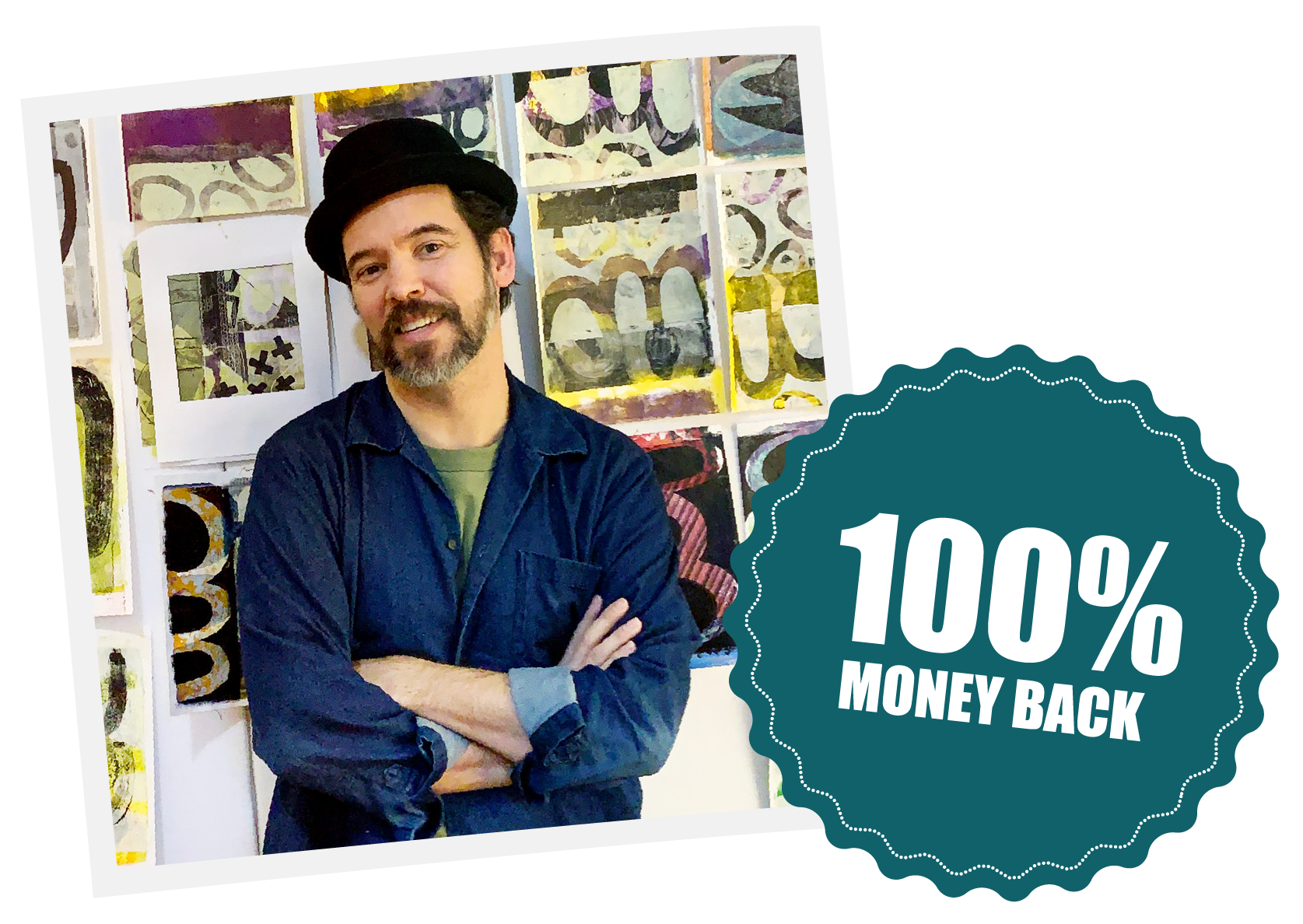
Our guarantee
We want you to pay only if you find value in the summit. That's why Drew offers a money-back guarantee.
If you truly don't find value in the summit, email Drew and we will refund 100% of your money.
Will DAS actually make a difference?
- - - - - - - - - -
And answers to other questions...
1. Is this for me? What level should I be?
DAS is designed for curious artists at any level. If you’re brand new, you’ll build a strong foundation by watching 7 different approaches.
If you’ve been making collage, whether digital or analog , you’ll see fresh perspectives that stretch your thinking. You don’t need to be advanced. You just need a willingness to experiment.
2. I don’t have much time. Will I actually use this?
You don’t need hours a day. The lessons are pre-recorded, self-contained, and yours for life. You can watch in short chunks, try one idea, and come back later.
There’s no schedule to keep up with and no pressure to “complete” anything. Most artists find that once they start watching, they feel pulled back to the table.
3. When does the summit begin?
The first prerecorded video lesson goes live on Monday May 18. However, you have lifetime access so you watch when you have the time.
4. Do I need an iPad?
Yes. The video classes will be taught using iPads.
That said, if you're just looking for inspiration or to get a feel for how artists use digital tools in their creative process, you're absolutely welcome! But to follow along fully and try out the techniques, an iPad is needed.
5. Do I need an Apple Pencil?
While not strictly a requirement, the Apple Pencil is highly recommended for a improved drawing experience.
6. How is this different from other classes or YouTube?
Most classes teach one artist’s method. DAS shows you seven. Instead of learning a single formula, you see multiple ways to start, edit, and finish. That exposure helps you build your own voice rather than copying someone else’s.
Unlike YouTube, this is curated... no distraction, no ads, no algorithm rabbit holes. Just full, start-to-finish processes from artists who’ve been selected for how they think and work.
6. How does the summit work?
The summit is not live. All 7 lessons are pre-recorded. You receive lifetime access, so you can watch during the summit or revisit months (or years) later.
Each lesson includes optional English subtitles. Discussion spaces are included for every lesson, and there’s an optional private Facebook group if you’d like community.
7. What if I don’t enjoy the summit?
We want you to feel confident saying yes. If you don’t find value in the summit, email Drew and we’ll refund 100% of your purchase. No hoops. No hard feelings.
Have other questions?
Send us an email ... we’re happy to help.
The decision is simple...
If you've been waiting for a clear, low-pressure way to start making digital art on your iPad, this is it.
The Digital Artists Summit is now open at the early bird price of $57.
Lifetime access | Money-back guarantee
The early bird price is available through Sunday, May 17.
The early bird price ends in:
- REAL RESULTS -
"This summit was so wonderfully informative, inspirational, and mind blowing. I am a mixed media artist and I am so excited to incorporate all of these techniques into my upcoming works."
Virginia C.
At the Digital Artists Summit you can boost your art skills, learn cool new collage techniques, and let your creativity run wild.
What are you waiting for?
- - - - - - - - - -
Go from staring at a blank canvas to making digital collage and digital mixed media you're proud of, in just seven days, at DAS.
Turn "I don't know where to start" into confident, creative work on your iPad... without spending months trying to figure out what other digital artists already know.
Inside the Digital Artists Summit, you’ll get:
Seven in-depth video lessons from experienced digital artists
VALUE: $329
Start-to-finish demonstrations you can watch at your own pace
VALUE: $197
Lesson discussion spaces to ask questions and deepen your understanding
VALUE: $97
A Facebook group to share & connect
VALUE: $97
Curated artist lineup selected for their unique approach
VALUE: $147
A 100% money-back guarantee
VALUE: peace of mind
Total value $867.
Yours for only $57.
